
Menu
Close

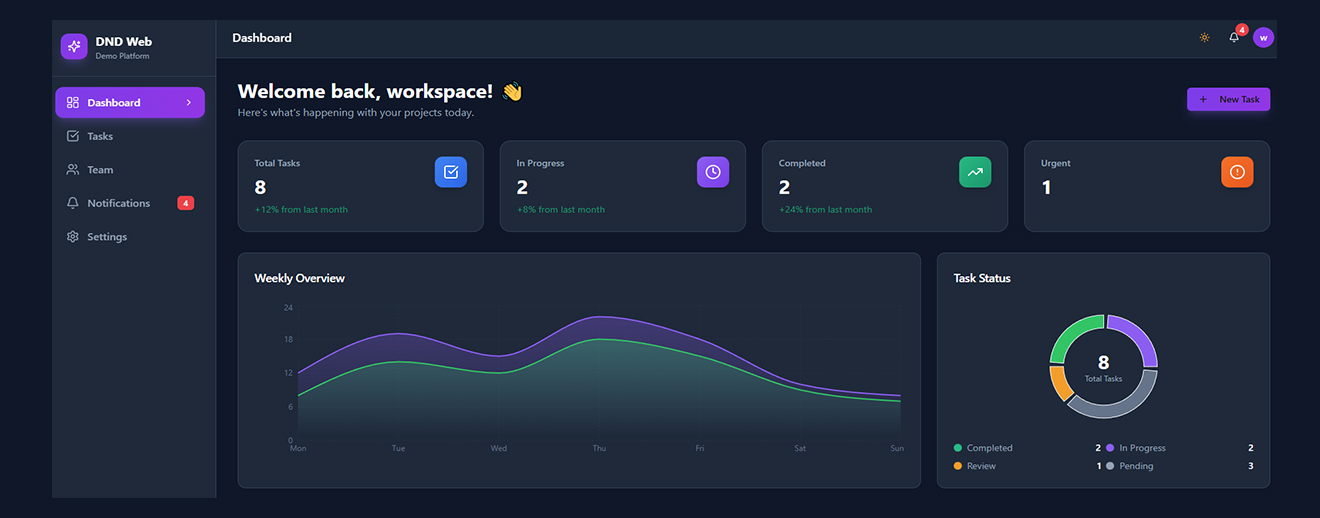
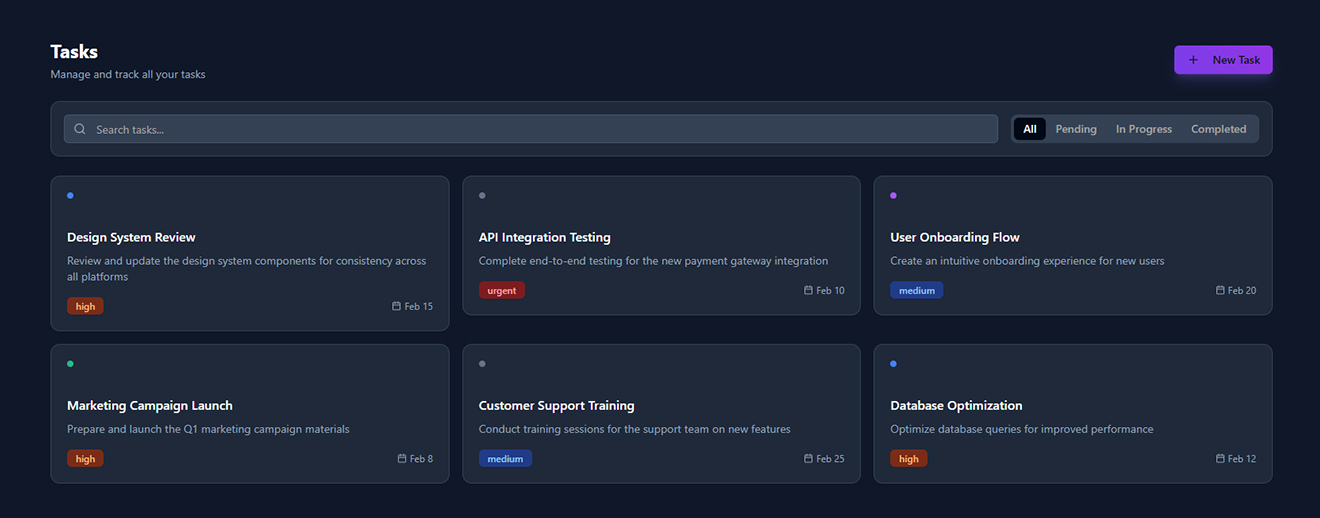
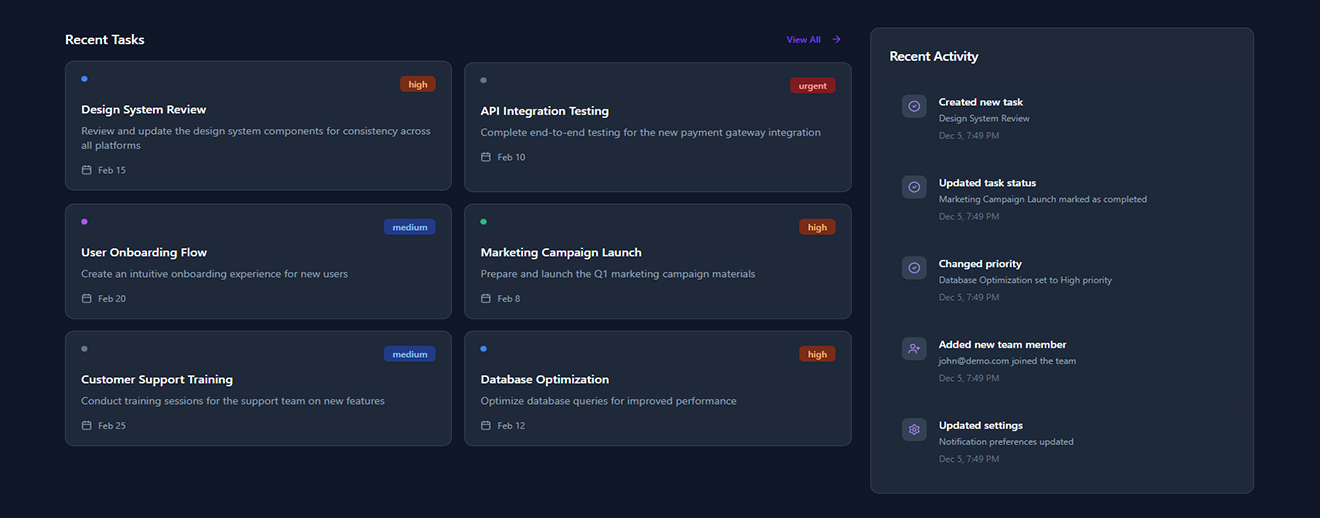
DND Web Demo is a functional prototype designed to demonstrate how a complete digital platform can operate before full-scale development. It provides a practical preview of user flows, interface, interactions, and core system capabilities.
Clients and stakeholders often struggle to visualize the final product without a working model. Static designs and documents fail to show real interactions, user behavior, data handling, or system flow. This leads to:
- Miscommunication between stakeholders and development teams.
- Difficulty validating UX and functionality early.
-High development risk due to unclear requirements
- Limited ability to collect user feedback.
- Challenges showcasing product vision to investors or decision-makers.

The DND Web Demo solves these issues by offering:
- A fully interactive prototype that simulates the final product experience.
- Clear user flows illustrating how customers, admins, or service providers will interact with the platform.
- A modern, responsive user interface that demonstrates UI/UX quality.
- Sample modules that replicate real‑life functionality—helping stakeholders understand system behavior.
- A ready-to-test environment for gathering feedback and refining requirements.
- A development blueprint that serves as a foundation for building the production version.
1. User Authentication:
- Secure login and role-based access for different user types.
2. Dashboard:
- A clean, modern dashboard showcasing key modules, actions, and user navigation.
3. Sample Data & Dynamic Screens:
- Pre-loaded mock data demonstrating how real users, tasks, or content will appear.
4. Interactive Workflows:
- Users can navigate through forms, pages, and actions that simulate real operations.
5. Responsive Design:
- Fully optimized for desktop, tablet, and mobile viewing.
6. Visual UI Components:
- Buttons, tabs, cards, lists, and forms to present a realistic interface experience.
7. Notifications & Alerts:
- Success, warning, and error messages to show system responses.
8. Admin/Management View (if included):
- Management tools displaying how admins will oversee users, content, or system settings.
- Integration with real backend APIs.
- User analytics and behavior tracking.
- Role-specific advanced modules.
- Payment integration (if needed).
- Full security hardening.
- Automated workflows.
The DND Web Demo successfully transforms abstract ideas in to an interactive, functional, and visually clear prototype. It ensures all stakeholders understand the product vision, reduces the risk of misaligned expectations, and provides a strong foundation for the full-scale development of the final application.



.svg)